Litmos
  • Client Login
  • Client Support
Search
  • Products
        • Best-in-class training across the enterprise

        • Icon Image

          LMS

        • Icon Image

          Training content

        • Icon Image

          Services

        • Icon Image

          Litmos AI

  • Features
        • Icon Image

          AI Assistant

        • Icon Image

          AI/ML Video Assessments

        • Icon Image

          AI Playlists

        • Icon Image

          Content Authoring Tool

        • Icon Image

          External Training

        • Icon Image

          Instructor-Led Training (ILT/vILT)

        • Icon Image

          Integrations

        • Icon Image

          Gamified Learning

        • Icon Image

          Multilingual Learning

        • Icon Image

          Mobile Learning

        • Icon Image

          Reporting & Analytics

  • Solutions
        • Solutions by Use Case

        • Icon Image

          Compliance training

        • Icon Image

          Onboarding

        • Icon Image

          Customer Training

        • Icon Image

          Sales Training

        • Icon Image

          Employee Development

        • Icon Image

          View All Use Cases

        • Solutions by Industry

        • Icon Image

          Financial services

        • Icon Image

          Healthcare

        • Icon Image

          Manufacturing

        • Icon Image

          Technology

        • Icon Image

          Construction

        • Icon Image

          View All Industries

        • Litmos For

        • Icon Image

          Enterprise

        • Icon Image

          Mid-Market

        • Icon Image

          Small business

        • Icon Image

          View All

  • Customers
        • Customer experience

        • Icon Image

          Customer stories

        • Icon Image

          Reviews

        • Icon Image

          Lenny Awards

        • For our customers

        • Icon Image

          Customer hub

        • Icon Image

          Support

  • Pricing
  • Resources
        • Learning hub

        • Icon Image

          Blog

        • Icon Image

          Resource library

        • Icon Image

          Webinars & events

        • Essential guides

        • Icon Image

          LMS 101

        • Icon Image

          eLearning blueprint

        • Icon Image

          AI learning

  • About
        • We empower learning

        • Icon Image

          About Litmos

        • Icon Image

          Newsroom

        • Icon Image

          Careers

        • Icon Image

          Awards

        • Icon Image

          Find a partner

        • Icon Image

          Become a partner

Free trial

TRAINING COURSE CATALOG

An ever-growing library of relevant training courses

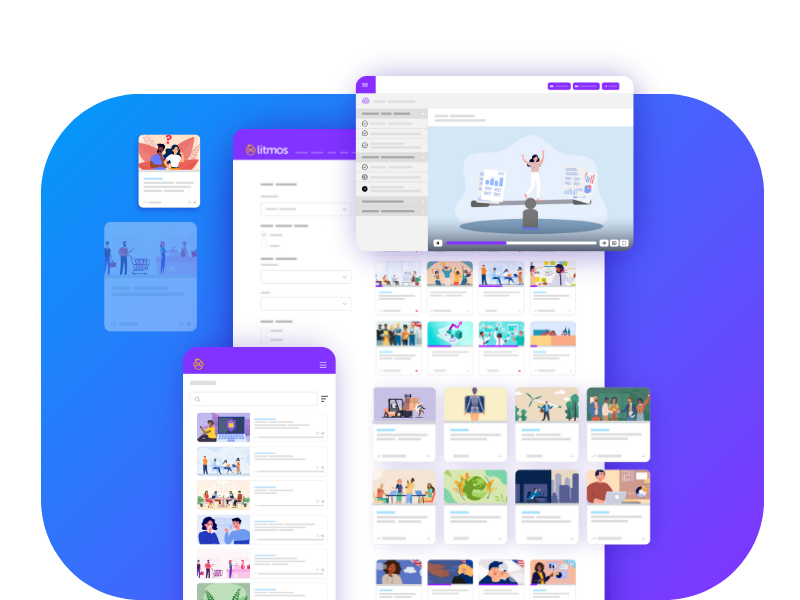
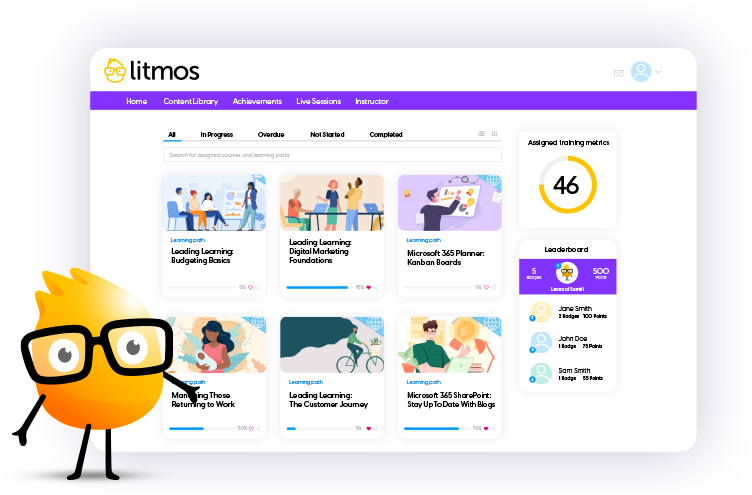
Award-winning training content collections for your employees, customers, and partners across the globe. Our collections include thousands of courses professionally created for a more productive workplace.

Re-skill, upskill, or fill worker skill gaps and minimize risk with compliance training. Support retention and career mobility and best of all, create a positive culture.
Talk to an expert

Filters

Applied Filters:

Clear Filters
BizLibrary Catalog

Sort

Products

Use Cases

Competencies

Languages

Regions

Duration

Mastering Word 365 – Advanced: Modifying Themes and Columns

This lesson shows you how to modify Theme and split text into columns.
Languages Icon English (US)
Duration Icon 3 Minutes

Mastering Word 365 – Advanced: Outline and Master Document Views

This lesson shows you how to view a document in Outline View, use Outline Mode to manage document text, and use Master View to manage multiple documents.
Languages Icon English (US)
Duration Icon 4 Minutes

Mastering Word 365 – Advanced: Sharing

This lesson shows you how to share documents with colleagues, modify permissions, view coauthors, and change sharing options.
Languages Icon English (US)
Duration Icon 4 Minutes

Mastering Word 365 – Advanced: Spelling, Grammar, and Accessibility Options

This lesson shows you how to modify spelling and grammar check options, use Researcher and Search to create content, and check accessibility.
Languages Icon English (US)
Duration Icon 9 Minutes

Mastering Word 365 – Advanced: Table Calculations and Styles

This lesson shows you how to perform calculations with tables, modify table properties, and customize Table Styles.
Languages Icon English (US)
Duration Icon 6 Minutes

Mastering Word 365 – Advanced: Table of Contents and Bibliography

This lesson shows you how to create a Table of Contents and a Bibliography.
Languages Icon English (US)
Duration Icon 7 Minutes

Mastering Word 365 – Advanced: Translation

This lesson shows you how to use mini translator for words or documents and modify language settings.
Languages Icon English (US)
Duration Icon 4 Minutes

Mastering Word 365 – Expert

Master Microsoft Word 365's advanced features for increased efficiency, consistency, and collaboration in this course led by Microsoft Certified Trainer Christina Tankersley.
Languages Icon English (US)
Duration Icon 131 Minutes

Mastering Word 365 – Expert: Advanced Find, Watermarks, and Cover Pages

This lesson shows you how to use advanced find and Go To features, insert and customize watermarks, insert cover pages and blank pages, and create an ink equation.
Languages Icon English (US)
Duration Icon 9 Minutes

Mastering Word 365 – Expert: Compare Documents and Versions

This lesson shows you how to compare multiple copies of the same document, review the changes between the documents, and compare a document with previous versions of the same document.
Languages Icon English (US)
Duration Icon 7 Minutes

Mastering Word 365 – Advanced: Advanced Graphics

This lesson shows you how to customize images and shapes, apply cropping, and delete image backgrounds.
Languages Icon English (US)
Duration Icon 7 Minutes

Mastering Word 365 – Advanced: Advanced Image Editing and Videos

This lesson shows you how to perform picture correction, apply artistic effects and picture styles, compress images, and insert online videos.
Languages Icon English (US)
Duration Icon 6 Minutes

Mastering Word 365 – Advanced: Advanced SmartArt and Shapes

This lesson shows you how to manage SmartArt, group Objects, enter Text into a Shape, and use Text Wrapping.
Languages Icon English (US)
Duration Icon 9 Minutes

Mastering Word 365 – Advanced: AutoText

This lesson shows you how to create AutoText entries, use AutoText, modify and delete AutoText entries.
Languages Icon English (US)
Duration Icon 5 Minutes

Mastering Word 365 – Advanced: Backstage Features

This lesson shows you how to find metadata, set file options, identify extensions, access recent documents history, and pin documents.
Languages Icon English (US)
Duration Icon 8 Minutes

Mastering Word 365 – Advanced: Bookmarks and Hyperlinks

This lesson shows you how to add a bookmark and insert a hyperlink.
Languages Icon English (US)
Duration Icon 5 Minutes

Mastering Word 365 – Advanced: Indexes, Cross-References, and a Table of Authorities

This lesson shows you how to create index Items, add Cross References, mark citations, and create a Table of Authorities.
Languages Icon English (US)
Duration Icon 7 Minutes

Mastering Word 365 – Advanced: Introduction

This lesson is an introduction to the course and the teacher.
Languages Icon English (US)
Duration Icon 2 Minutes

Mastering Word 365 – Advanced: Link and Embed Tables

This lesson shows you how to insert an Excel Table, use Table Style Options, and paste a table with link.
Languages Icon English (US)
Duration Icon 4 Minutes

Mastering Word 365 – Advanced: Macros

This lesson shows you how to run recorded macros and create a macro.
Languages Icon English (US)
Duration Icon 6 Minutes

Mastering Outlook 365 – Intermediate: Manage Messages and Conversations

This lesson will show how to share messages externally and how to flag messages for follow-up.
Languages Icon English (US)
Duration Icon 9 Minutes

Mastering Outlook 365 – Intermediate: Manage Tasks

The teacher will show how to edit tasks and modify views.
Languages Icon English (US)
Duration Icon 6 Minutes

Mastering Outlook 365 – Intermediate: Message Options

In this lesson the teacher will show how to apply message options and track a message.
Languages Icon English (US)
Duration Icon 6 Minutes

Mastering Outlook 365 – Intermediate: New Tasks

The teacher will show how to create tasks and recurring tasks.
Languages Icon English (US)
Duration Icon 5 Minutes
  • 1
  • …
  • 49
  • 50
  • 51
  • …
  • 506

Start Your Free Trial Today

Start your 14-day free trial with absolutely zero risk or obligation to purchase. Test drive our Premier LMS and see for yourself how our learning solution can improve your learning program outcomes! We have flexible purchase options, including an option to buy directly through the trial!

Free Trial
Litmos Free Trial

Request more information

To learn how Litmos can meet your needs, fill out the form below.

Content Request Courses

"*" indicates required fields

Consent*
Litmos US, L.P. will use any of the data provided hereunder in accordance with the Privacy Policy.
This field is hidden when viewing the form
This field is for validation purposes and should be left unchanged.
Litmos
Contact sales
Solutions by Use Case
  • Company
  • Newsroom
  • Awards
  • Customers
  • Careers
  • Customer portal
  • Partner portal
Products
  • Products
  • LMS
  • Courses
  • Services
  • Enterprise
  • Mid-Market
  • Small business
Features
  • Features
  • AI solutions
  • Content authoring tool
  • External training
  • Gamification
  • Multilingual learning
Solutions
  • Solutions
  • Employee development
  • Customer training
  • Sales enablement
  • Compliance training
  • Onboarding training
Resources
  • Resources
  • Blog
  • LMS 101
  • eLearning
  • AI learning
  • Webinars
© 2026 Litmos US, L.P. and affiliates. All rights reserved.
  • Privacy Statement
  • Terms & Conditions
  • AI Principles
  • Website Terms
  • Modern Slavery Statement
  • Accessibility Statement
x-logo x-logo Linkedin-logo Facebook Instagram
Register for early access to Litmos Features

Release Notes feedback

"*" indicates required fields

Please provide your email and indicate which domain(s) you'd like the new features enabled.