Litmos
  • Client Login
  • Client Support
Search
  • Products
        • Best-in-class training across the enterprise

        • Icon Image

          LMS

        • Icon Image

          Training content

        • Icon Image

          Services

        • Icon Image

          Litmos AI

  • Features
        • Icon Image

          AI Assistant

        • Icon Image

          AI/ML Video Assessments

        • Icon Image

          AI Playlists

        • Icon Image

          Content Authoring Tool

        • Icon Image

          External Training

        • Icon Image

          Instructor-Led Training (ILT/vILT)

        • Icon Image

          Integrations

        • Icon Image

          Gamified Learning

        • Icon Image

          Multilingual Learning

        • Icon Image

          Mobile Learning

        • Icon Image

          Reporting & Analytics

  • Solutions
        • Solutions by Use Case

        • Icon Image

          Compliance training

        • Icon Image

          Onboarding

        • Icon Image

          Customer Training

        • Icon Image

          Sales Training

        • Icon Image

          Employee Development

        • Icon Image

          View All Use Cases

        • Solutions by Industry

        • Icon Image

          Financial services

        • Icon Image

          Healthcare

        • Icon Image

          Manufacturing

        • Icon Image

          Technology

        • Icon Image

          Construction

        • Icon Image

          View All Industries

        • Litmos For

        • Icon Image

          Enterprise

        • Icon Image

          Mid-Market

        • Icon Image

          Small business

        • Icon Image

          View All

  • Customers
        • Customer experience

        • Icon Image

          Customer stories

        • Icon Image

          Reviews

        • Icon Image

          Lenny Awards

        • For our customers

        • Icon Image

          Customer hub

        • Icon Image

          Support

  • Pricing
  • Resources
        • Learning hub

        • Icon Image

          Blog

        • Icon Image

          Resource library

        • Icon Image

          Webinars & events

        • Essential guides

        • Icon Image

          LMS 101

        • Icon Image

          eLearning blueprint

        • Icon Image

          AI learning

  • About
        • We empower learning

        • Icon Image

          About Litmos

        • Icon Image

          Newsroom

        • Icon Image

          Careers

        • Icon Image

          Awards

        • Icon Image

          Find a partner

        • Icon Image

          Become a partner

Free trial

TRAINING COURSE CATALOG

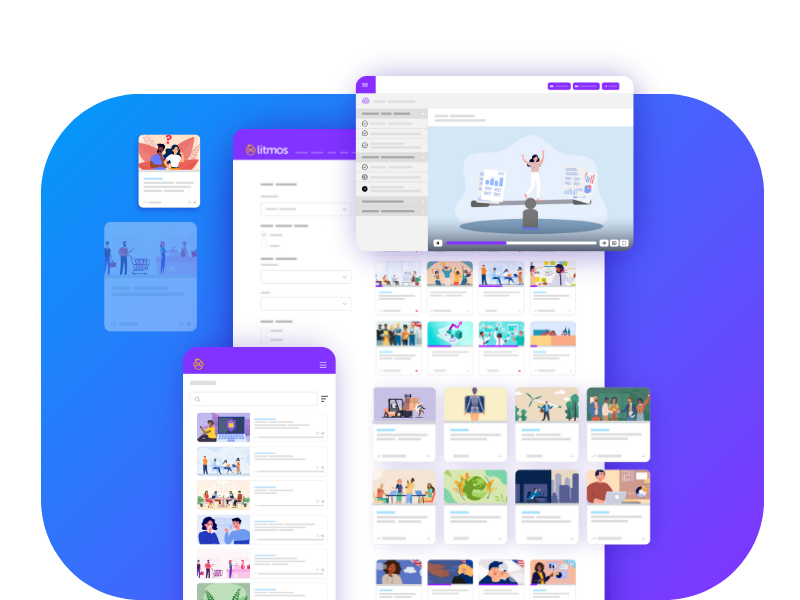
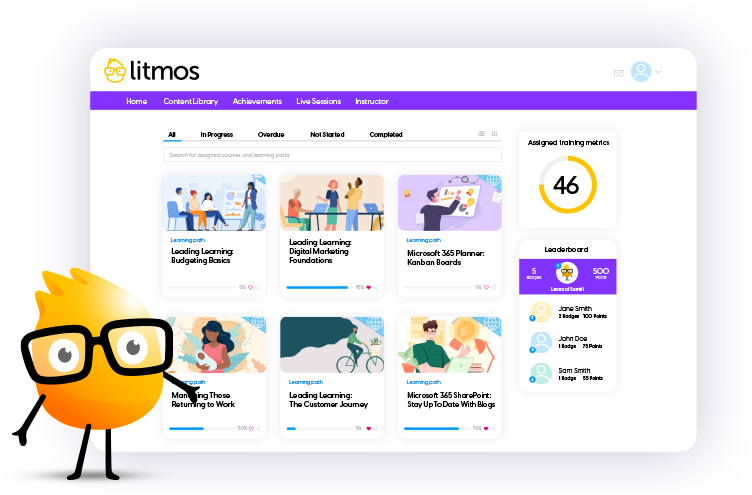
An ever-growing library of relevant training courses

Award-winning training content collections for your employees, customers, and partners across the globe. Our collections include thousands of courses professionally created for a more productive workplace.

Re-skill, upskill, or fill worker skill gaps and minimize risk with compliance training. Support retention and career mobility and best of all, create a positive culture.
Talk to an expert

Filters

Sort

Products

Use Cases

Competencies

Languages

Regions

Duration

Mastering Google Drive: Viewing File Versions

In this lesson, you'll learn how Google Drive manages versions for Google files and non-Google files, and restore a file to a previous version.
Languages Icon English (US)
Duration Icon 3 Minutes

Remote LeaderSHIFT 11: The Pause

Learn to recognize the importance of accepting the discomfort that is always present in early skill acquisition. You will gain perspective on their own journey from a story that exemplifies extraordinary courage, discipline and inspiration. .
Languages Icon English (US)
Duration Icon 3 Minutes

Remote LeaderSHIFT 2: Awareness

The truth is 40% of the workforce works remotely and (Gallop) says they are more productive. But we are more innovative when we are working together. That is our challenge.
Languages Icon English (US)
Duration Icon 3 Minutes

Remote LeaderSHIFT 4: Expression

If your team has concerns and if you don't address their challenges, they will fester. You will need to enlist and ask what the teams concerns are and have a plan.
Languages Icon English (US)
Duration Icon 3 Minutes

Remote LeaderSHIFT 9: The Moment

When there is a challenge, team members usually revert to a knee-jerk reaction. Learn to pause in the moment, ask a question and think creatively to mitigate the challenge and find a creative solution.
Languages Icon English (US)
Duration Icon 3 Minutes

Email Essentials: Humor

Welcome to the "Humor" video lesson meant to help learners recognize what kind of humor is appropriate for email.
Languages Icon English (US)
Duration Icon 3 Minutes

Email Essentials: Proofreading Emails

Welcome to the "Proofreading Emails" video lesson meant to highlight the importance of reviewing email messages before sending them.
Languages Icon English (US)
Duration Icon 3 Minutes

Email Essentials: Replying to Emails

Welcome to the "Replying to Emails" video lesson meant to convey proper etiquette for responding to email messages.
Languages Icon English (US)
Duration Icon 3 Minutes

New in Microsoft 365 – What’s new in Outlook?: Personalize the Ribbon

Personalize the ribbon so that it displays only the menu items you use most in your daily work! (Microsoft 365 (1906 dated 07-01-2019)).
Languages Icon English (US)
Duration Icon 3 Minutes

New in Microsoft 365 – What’s new in Outlook?: Take Advantage of the Focused Inbox

Get to know the new function Focused Inbox and use it to your advantage. The new categorization helps you to concentrate on the important e-mails in your inbox, which in the end saves time and makes you more productive. (Microsoft Office 2019).
Languages Icon English (US)
Duration Icon 3 Minutes

New in Microsoft 365 – What’s new in Outlook?: Updated User Interface

Microsoft has made some interesting changes to the user interface in Outlook. (Microsoft 365 (1906 dated 07-01-2019)).
Languages Icon English (US)
Duration Icon 3 Minutes

New in Microsoft 365 – What’s new in Outlook?: Use @mentions to Get Someone’s Attention

You can use so-called @mentions, to ensure that people you mention in the text are informed that a feedback is expected from them. (Microsoft Office 2019).
Languages Icon English (US)
Duration Icon 3 Minutes

New in Microsoft 365 – What’s new in PowerPoint?: Animate Freehand Drawings

You can now animate your drawings to enrich your presentations. (Microsoft 365 (1909 dated 10-04-2019)).
Languages Icon English (US)
Duration Icon 3 Minutes

New in Microsoft 365 – What’s new in PowerPoint?: Highlight text

To make keywords and other important text passages visible at a glance, you can highlight them. In Word and Excel this function has been known for quite some time. In PowerPoint this was not possible before the release of PowerPoint 2019.
Languages Icon English (US)
Duration Icon 3 Minutes

New in Microsoft 365 – What’s new in Word?: Page Through Documents Side to Side

The "Side to Side" display option is particularly recommended for editing longer documents. (Microsoft Office 2019).
Languages Icon English (US)
Duration Icon 3 Minutes

New in Microsoft 365 – Working with Animated 3D Models

As a special form of 3D models, Microsoft also offers a series of animated 3D models that you can use in the Office applications PowerPoint, Word, Excel and Outlook. (Microsoft 365 (1906 dated 06-24-2019)).
Languages Icon English (US)
Duration Icon 3 Minutes

Passion for Your Community

Passion is an important component in your daily work life. In fact, it's important in all aspects of your life. In this video, we will focus on the importance of passion for your community.
Languages Icon English (US)
Duration Icon 3 Minutes

Mastering Google Drive: Scanning to Android Phone

In this lesson, you'll learn to use the Drive app on an Android phone to scan a document and convert to text.
Languages Icon English (US)
Duration Icon 3 Minutes

Microsoft 365: Save Files on OneDrive for Business

OneDrive is a central storage location. Therefore, there are several ways to store files on OneDrive for Business.
Languages Icon English (US)
Duration Icon 3 Minutes

Microsoft 365: What is the Cloud?

Perhaps you have heard of the term "cloud"? In the cloud, data is stored in specially secured areas, in so-called data centers, accessible only via an encrypted Internet connection.
Languages Icon English (US)
Duration Icon 3 Minutes

New in Microsoft 365 – Add Transparency to Images

Microsoft 365 now includes a feature for Word, Excel and PowerPoint that lets you make images transparent - to make underlying objects visible.
Languages Icon English (US)
Duration Icon 3 Minutes

New in Microsoft 365 – Black Theme

You can display your Microsoft 365 applications in a black theme to better match your working environment. Learn more about the implications of this feature.
Languages Icon English (US)
Duration Icon 3 Minutes

New in Microsoft 365 – Enhance Collaboration with Chat

When you are working on a document together with other people, you may want to discuss any necessary changes with the other person. In the Microsoft 365 desktop applications, a chat function is available in addition to the comment function.
Languages Icon English (US)
Duration Icon 3 Minutes

New in Microsoft 365 – Mark Comments as Done

Are you already working with comments? You can now mark them as done - in all Office applications where you can use comments. (Microsoft 365 (1908 dated 10-04-2019)).
Languages Icon English (US)
Duration Icon 3 Minutes
  • 1
  • …
  • 58
  • 59
  • 60
  • …
  • 738

Start Your Free Trial Today

Start your 14-day free trial with absolutely zero risk or obligation to purchase. Test drive our Premier LMS and see for yourself how our learning solution can improve your learning program outcomes! We have flexible purchase options, including an option to buy directly through the trial!

Free Trial
Litmos Free Trial

Request more information

To learn how Litmos can meet your needs, fill out the form below.

Content Request Courses

"*" indicates required fields

Consent*
Litmos US, L.P. will use any of the data provided hereunder in accordance with the Privacy Policy.
This field is hidden when viewing the form
This field is for validation purposes and should be left unchanged.
Litmos
Contact sales
Solutions by Use Case
  • Company
  • Newsroom
  • Awards
  • Customers
  • Careers
  • Customer portal
  • Partner portal
Products
  • Products
  • LMS
  • Courses
  • Services
  • Enterprise
  • Mid-Market
  • Small business
Features
  • Features
  • AI solutions
  • Content authoring tool
  • External training
  • Gamification
  • Multilingual learning
Solutions
  • Solutions
  • Employee development
  • Customer training
  • Sales enablement
  • Compliance training
  • Onboarding training
Resources
  • Resources
  • Blog
  • LMS 101
  • eLearning
  • AI learning
  • Webinars
© 2026 Litmos US, L.P. and affiliates. All rights reserved.
  • Privacy Statement
  • Terms & Conditions
  • AI Principles
  • Website Terms
  • Modern Slavery Statement
  • Accessibility Statement
x-logo x-logo Linkedin-logo Facebook Instagram
Register for early access to Litmos Features

Release Notes feedback

"*" indicates required fields

Please provide your email and indicate which domain(s) you'd like the new features enabled.